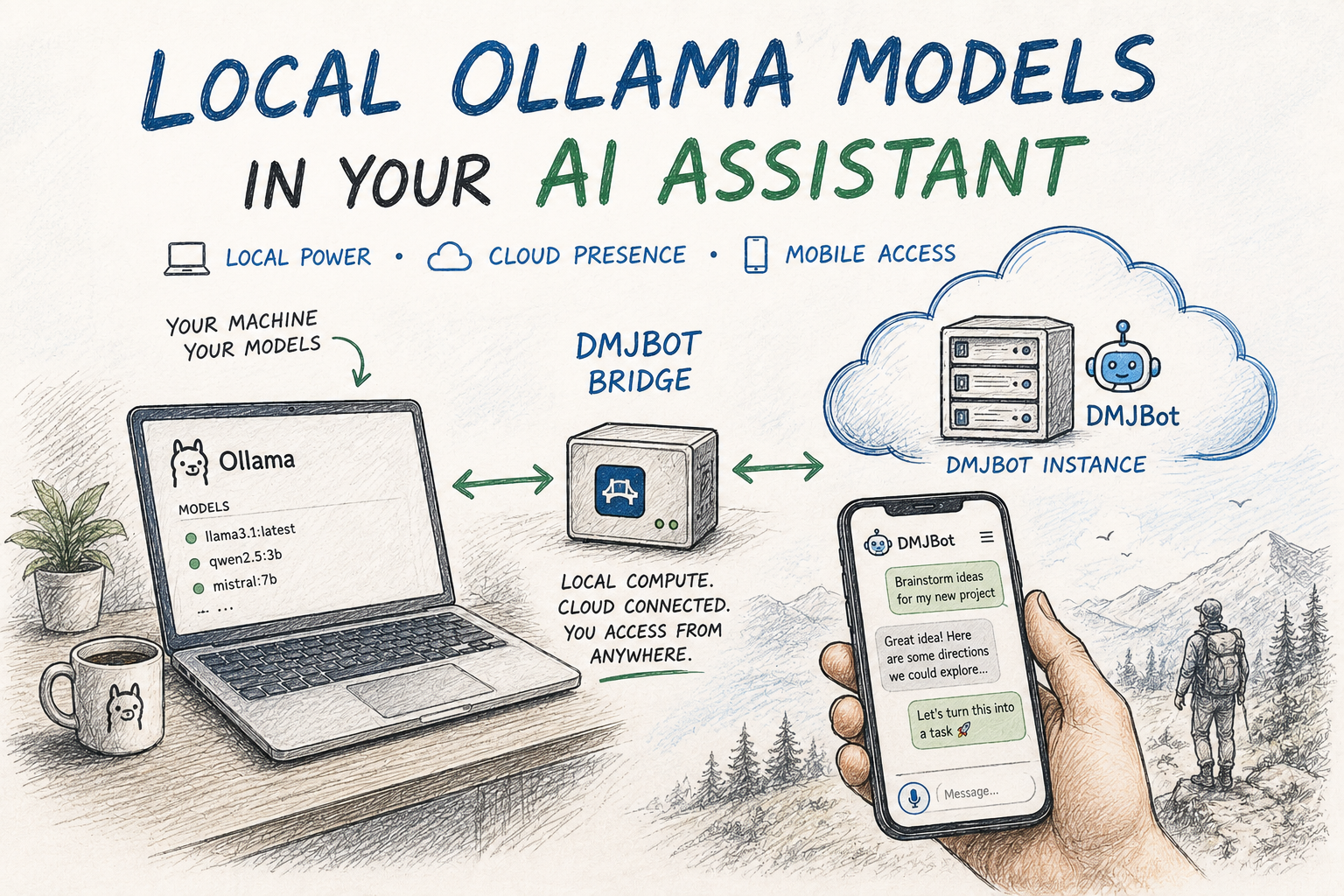
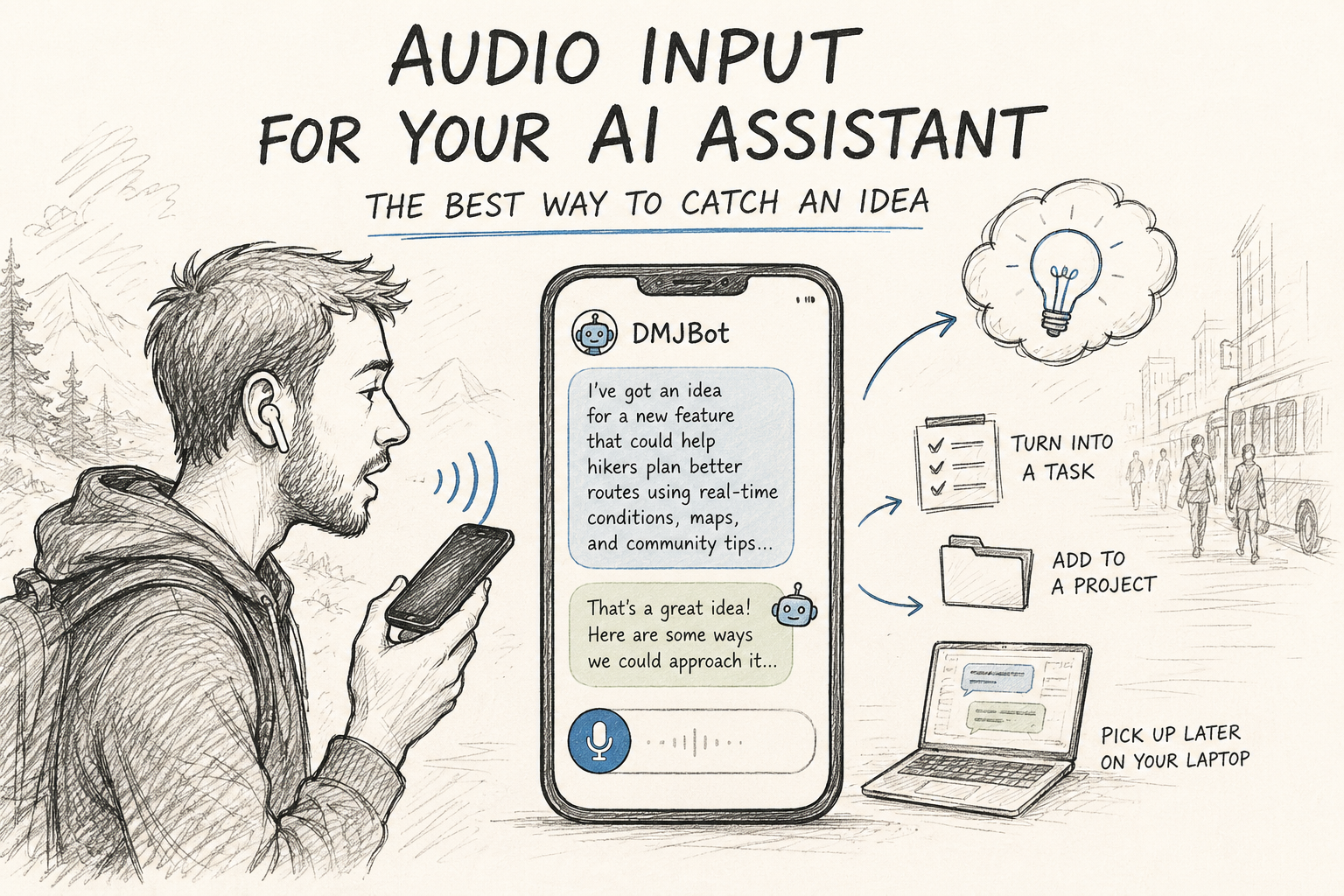
When we built the first version of the DMJBot mobile apps, audio input was near the top of the list. Not as a nice extra — as one of the reasons to have a mobile app at all.
The use case we had in mind was very specific:
"I'm away from my laptop and an idea hits me. I want to do something with it now — not just store it. I want to think it through, get some pushback, maybe turn it into a task for later. And I want to do all of that from my phone, fast."
Notes apps solve the first half of that. You write the idea down and it waits for you. But an AI assistant can do the other half — react to the idea while it's still warm. The only thing standing in the way is the keyboard. On the go, walking, driving, in a queue, you're not going to type three paragraphs. So we added the microphone.
Talking gives the model more than typing does
Here's the part that surprised us in daily use. Voice isn't only about speed.
When you type, you compress. You write the shortest version of the thought that still feels complete, and you leave out everything that seemed obvious to you — which is usually exactly the context the assistant needed. When you talk, you don't compress. You wander, you contradict yourself, you explain the background nobody asked for. And the model handles it fine.
Andrej Karpathy described the same pattern recently:
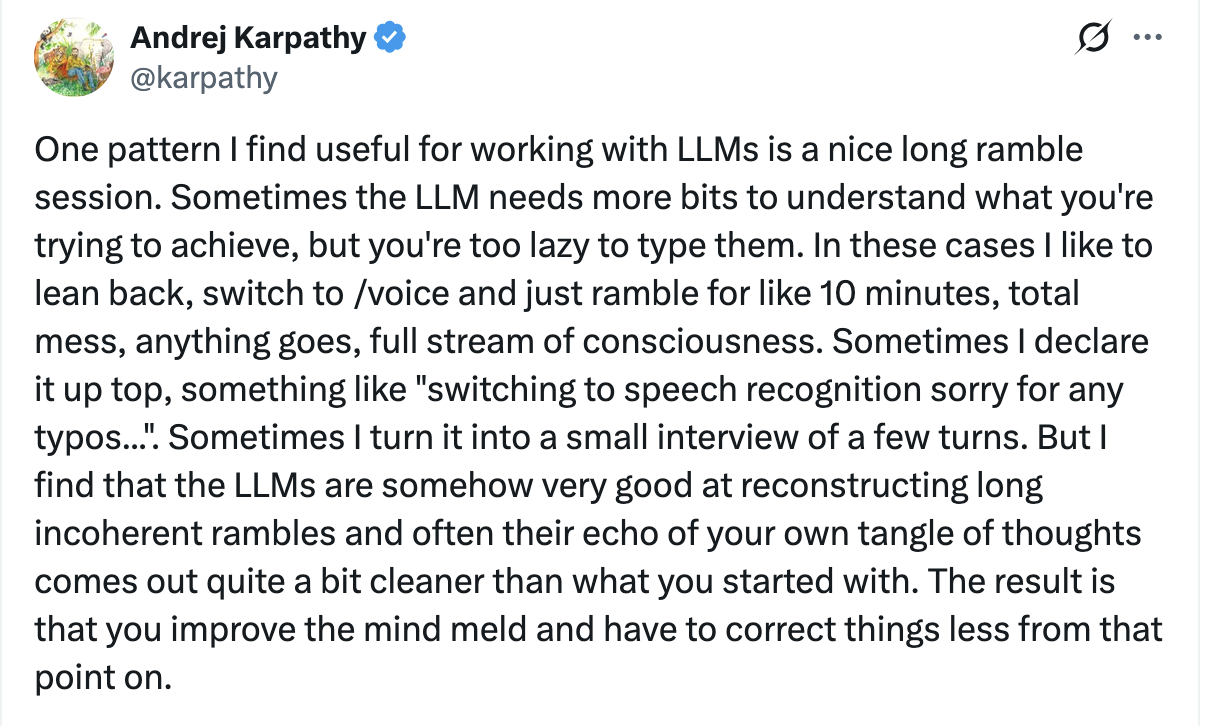
"Too lazy to type them" is a very honest way to put it. The bits are in your head; the keyboard is the bottleneck. Remove the keyboard and the assistant suddenly has the full picture — and, as he notes, what comes back is often a cleaner version of your own tangle of thoughts.
That effect is even stronger on a phone, where typing is slowest and where you most often are when the idea arrives.
How it works in DMJBot
Open DMJBot on your phone and you'll see a microphone icon next to the input field.
- Tap it and start talking. Ramble as long as you want — there's no need to be structured.
- Stop recording. The app transcribes your audio and sends it to your assistant.
- Read the reply, then answer by voice again, type, or just walk away.
Whatever you decide, the conversation is already in your history, on your account. You can pick it up an hour later from your laptop, ask the assistant to turn it into a task, drop it into a project, or let it sit until it becomes useful.
The idea survives. That was the whole point.
This is the small demonstration video. Just tap the microphone icon, talk, and see how the assistant reacts: