One of the things we have wanted from DMJBot from the beginning is simple to describe, but hard to build well: an AI assistant that does not always wait for you to type the next instruction.
We call this feature initiativity.
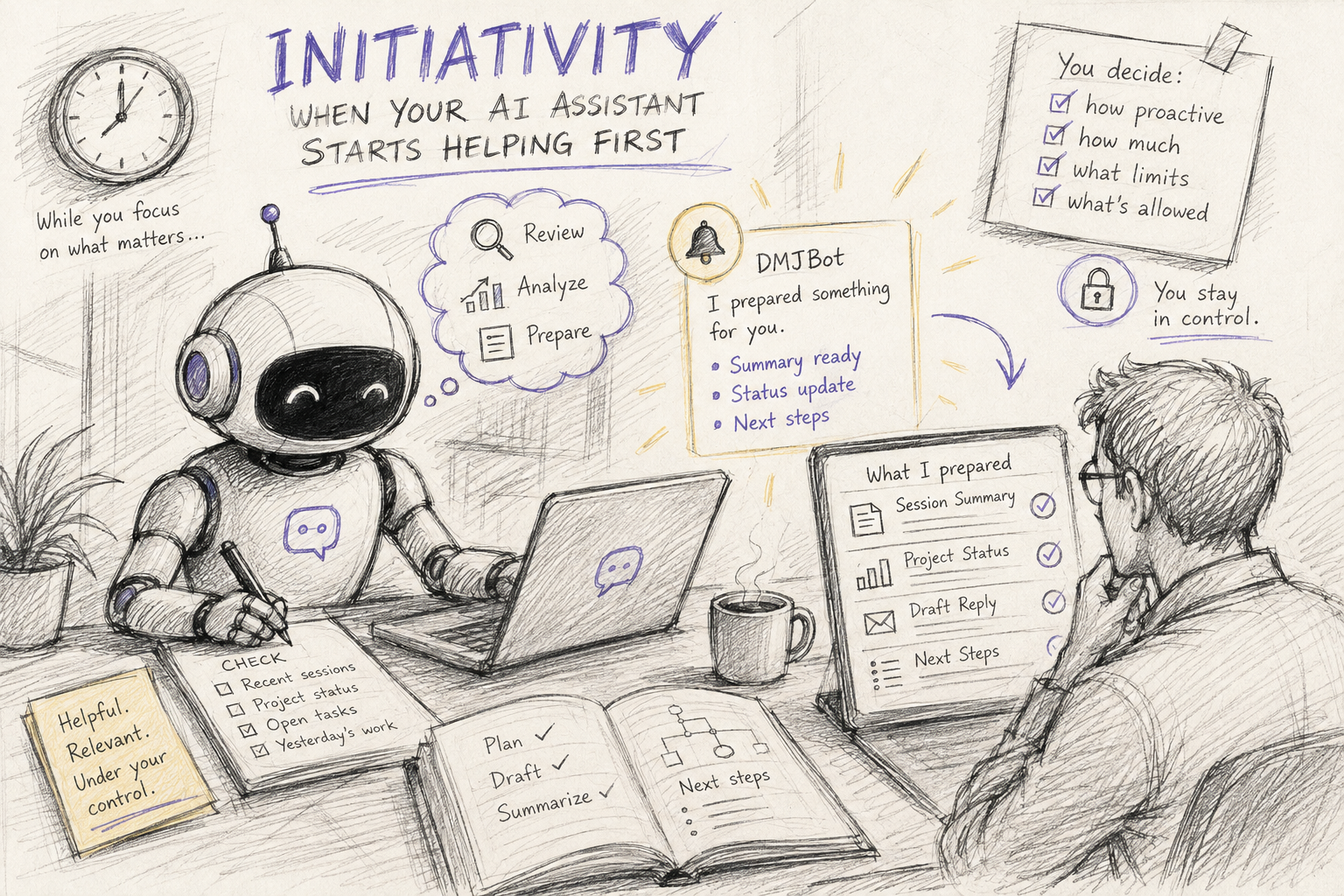
Initiativity allows your AI assistant to notice useful moments, review relevant context, and start helpful work on its own, based on your settings, preferences, and previous interactions.
Configuration
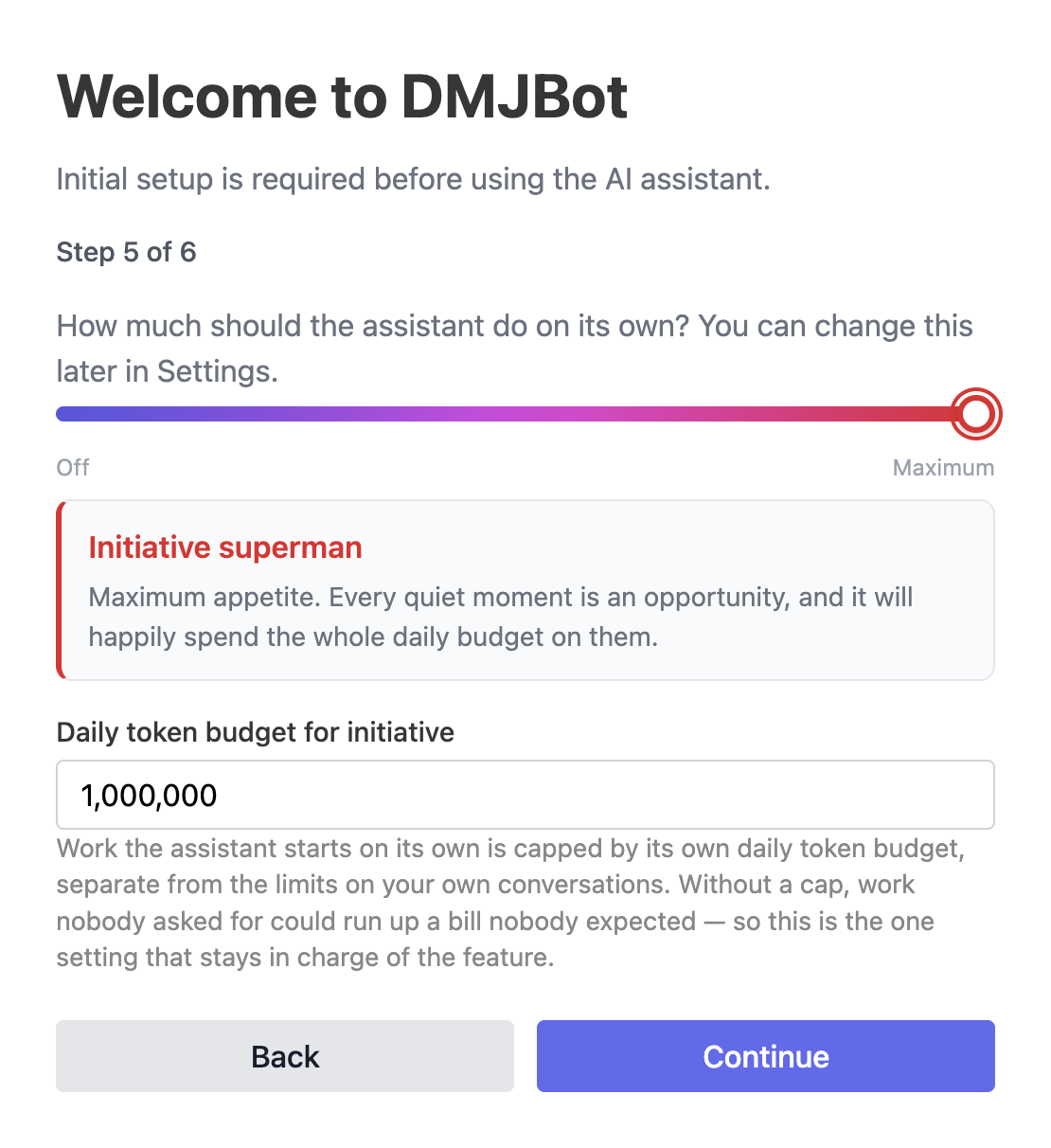
By default, initiativity is disabled. You can enable it during the initial setup of your AI assistant, and you can change the setting later at any time.
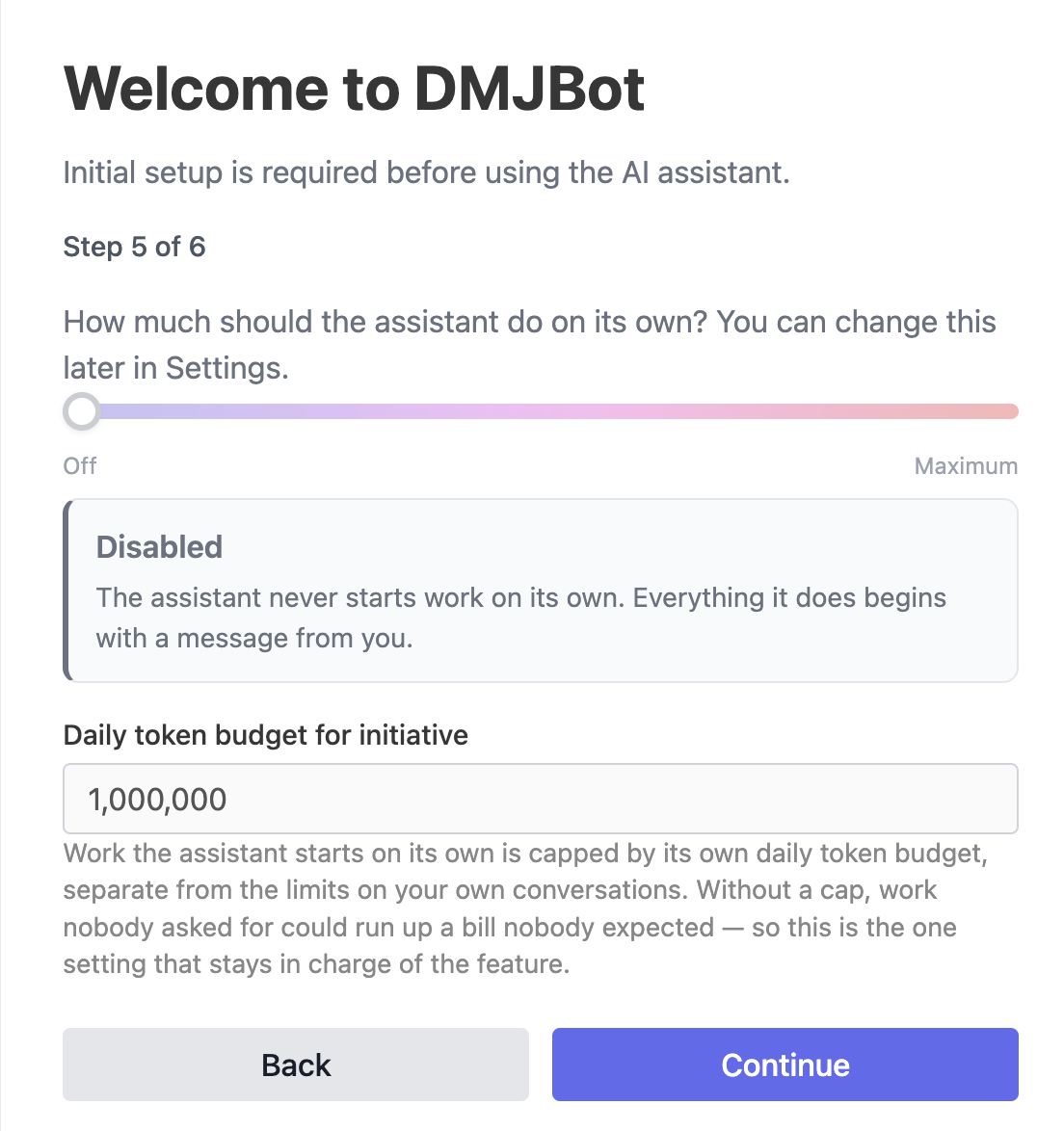
During setup, choose how proactive you want your assistant to be.
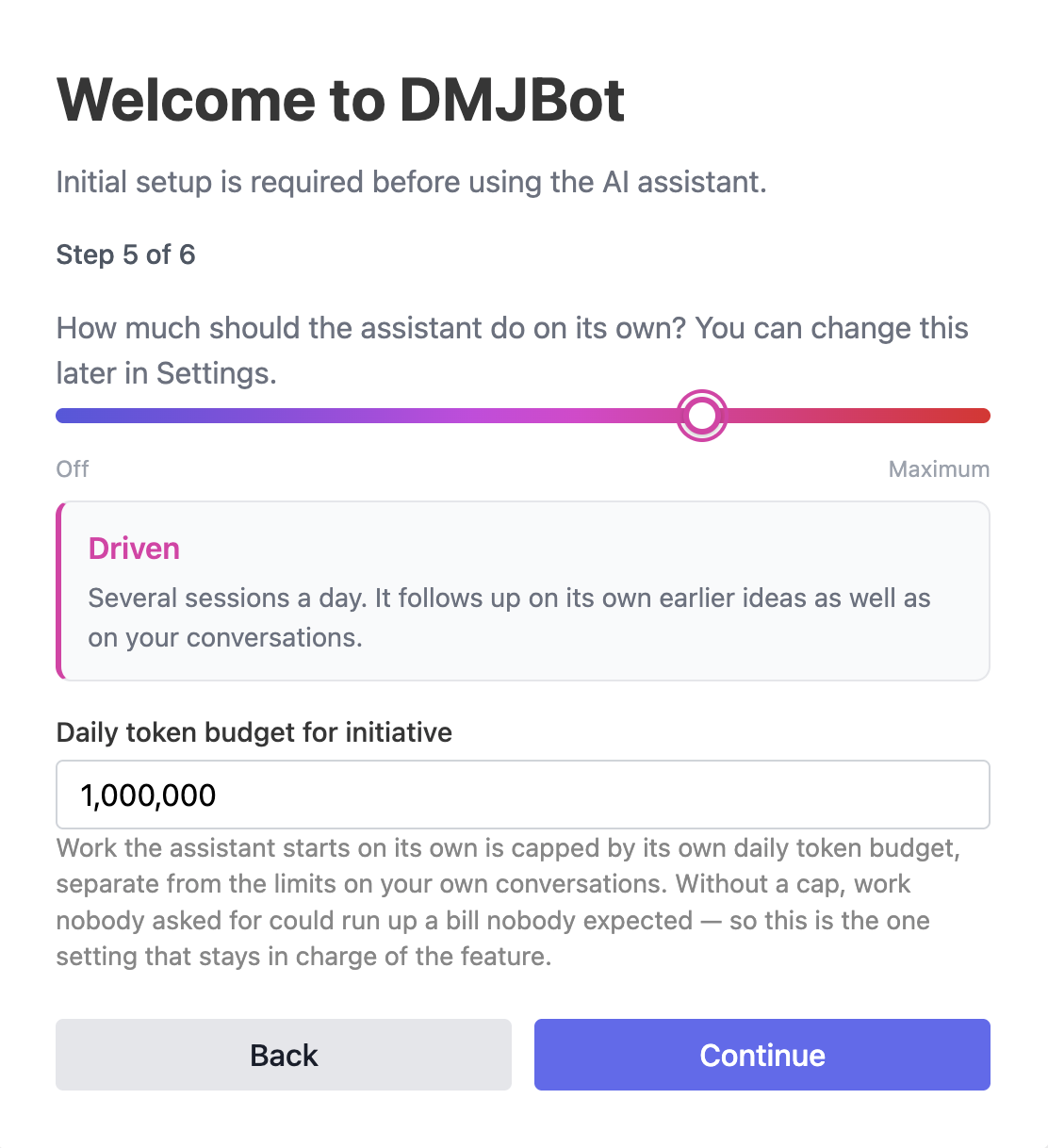
The setting uses a gradual scale from 0 to 10. Each level has its own label and description, so you can decide how much autonomy feels right for your workflow.
Changing the settings
You can modify initiativity at any time from the assistant settings. You can also set the maximum number of tokens the assistant may spend on initiativity actions per day, so proactive work stays within the resource limits you choose.
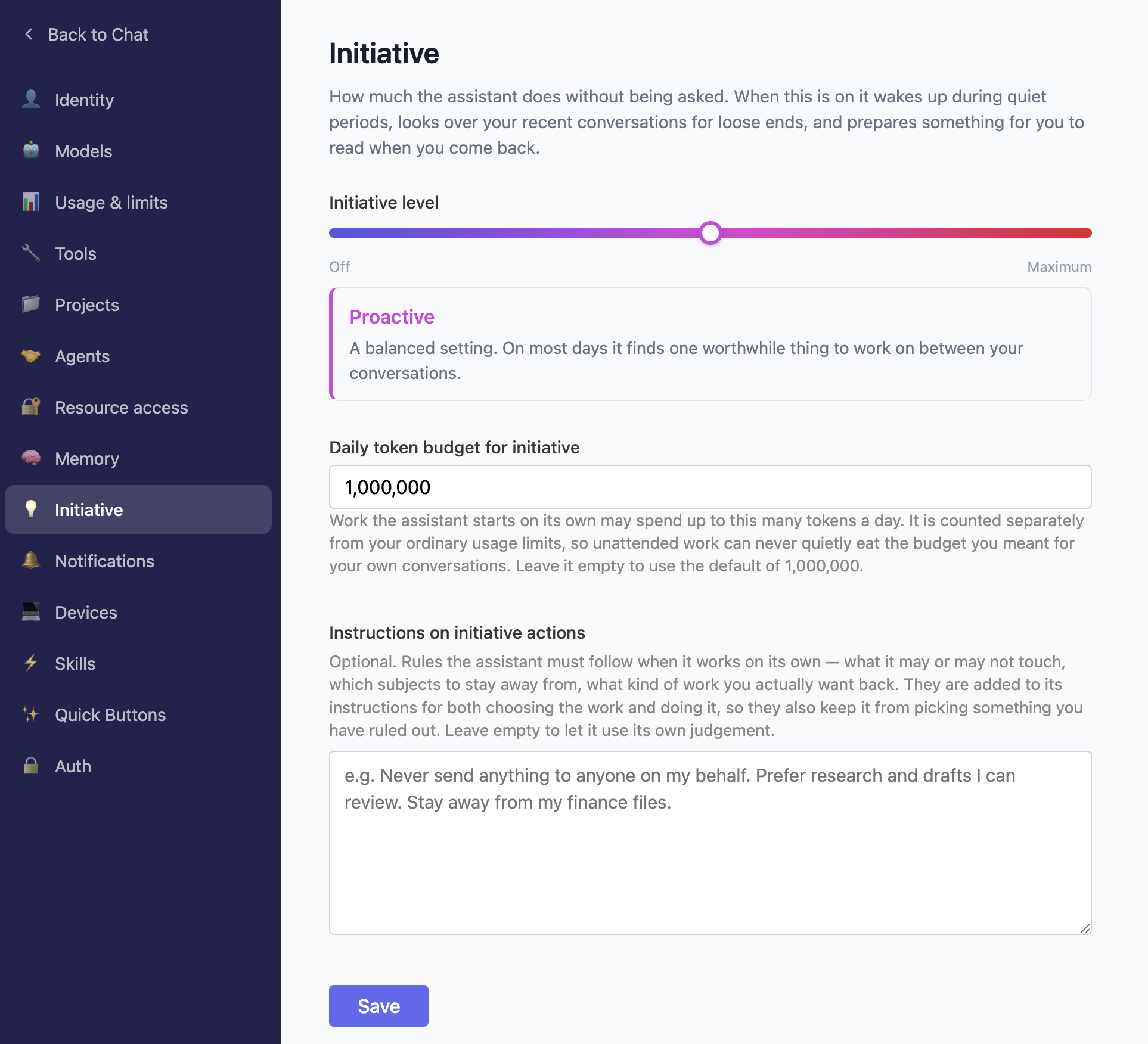
There is one more important setting: instructions for initiativity actions.
These instructions tell the assistant how it should behave when it acts proactively. You can use them to guide the assistant, limit its scope, or explicitly forbid sensitive actions. For example:
- Do not send emails.
- Do not post to social media.
- Do not delete files.
- Do not contact people without approval.
- Only prepare drafts and summaries.
How does it work?
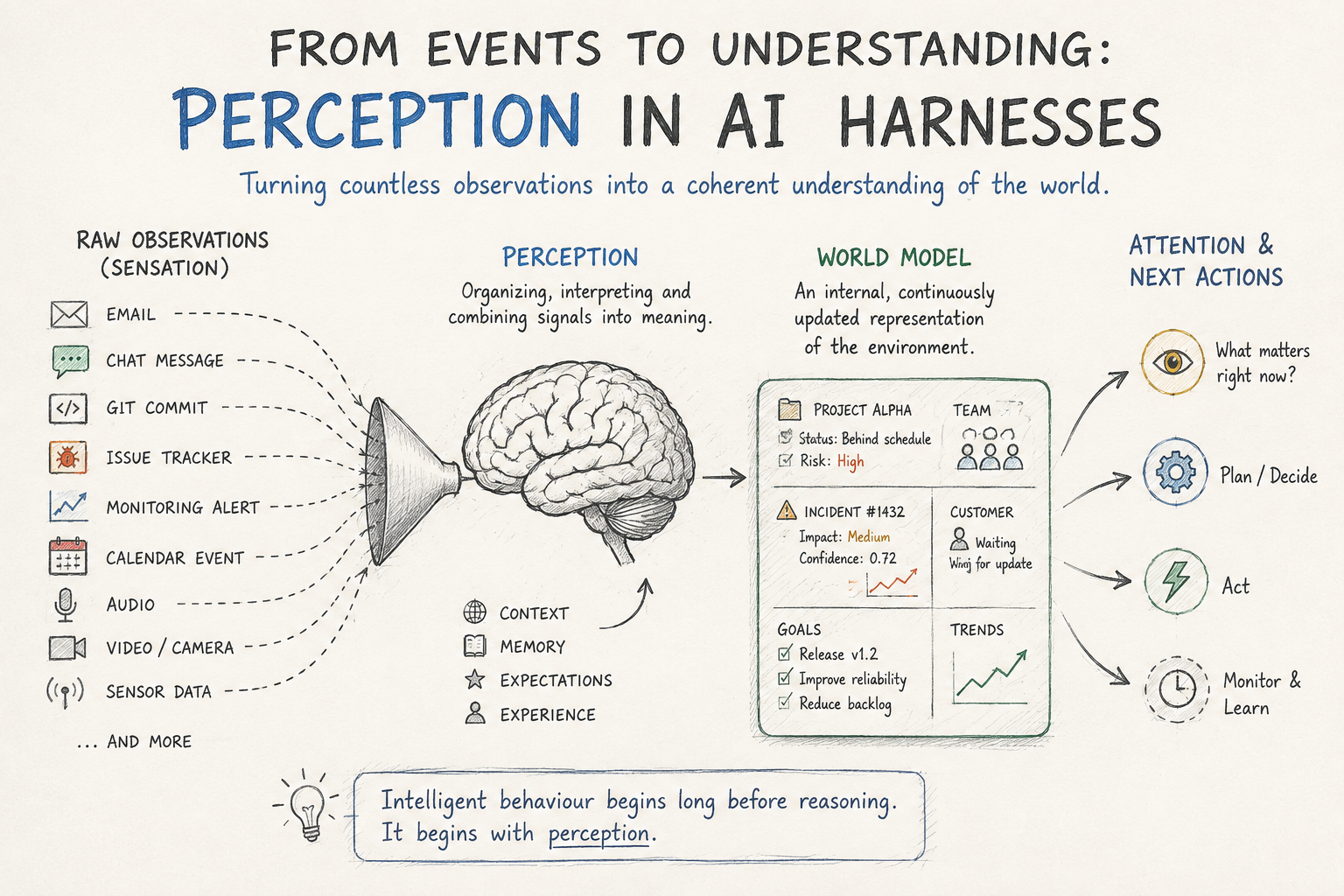
When initiativity is enabled, your assistant periodically wakes up and decides whether this is a good moment to do something useful.
It checks the level of initiativity you configured, your recent interactions, the current token budget, and any instructions or restrictions you added. If the conditions look right, it chooses an action based on your previous work.
For example, it may review recent chat sessions, look at project status, check open tasks, or summarize something you were working on yesterday. The goal is not to act randomly. The goal is to pick a small piece of work that is relevant to your current focus.
What does it look like in practice?
The most common example is the beginning of the workday.
You open the DMJBot web interface or mobile app and see notifications about new activity in some sessions. When you open one of them, the assistant has already prepared something useful: a summary, a status update, a draft, a list of next steps, or a note about something that may need your attention.
The exact behavior depends on the rules you define.
If you want a cautious setup, you can allow only read-only work: analyze, summarize, draft, and report. This protects you from unwanted side effects such as emails being sent or files being changed.
If you want a more active assistant, you can allow more actions. For example, if you are looking for new clients, you may allow the assistant to search posts on X, find relevant conversations, and prepare replies for your review. If you trust that workflow enough, you can decide later whether to let it reply directly.
Real world example
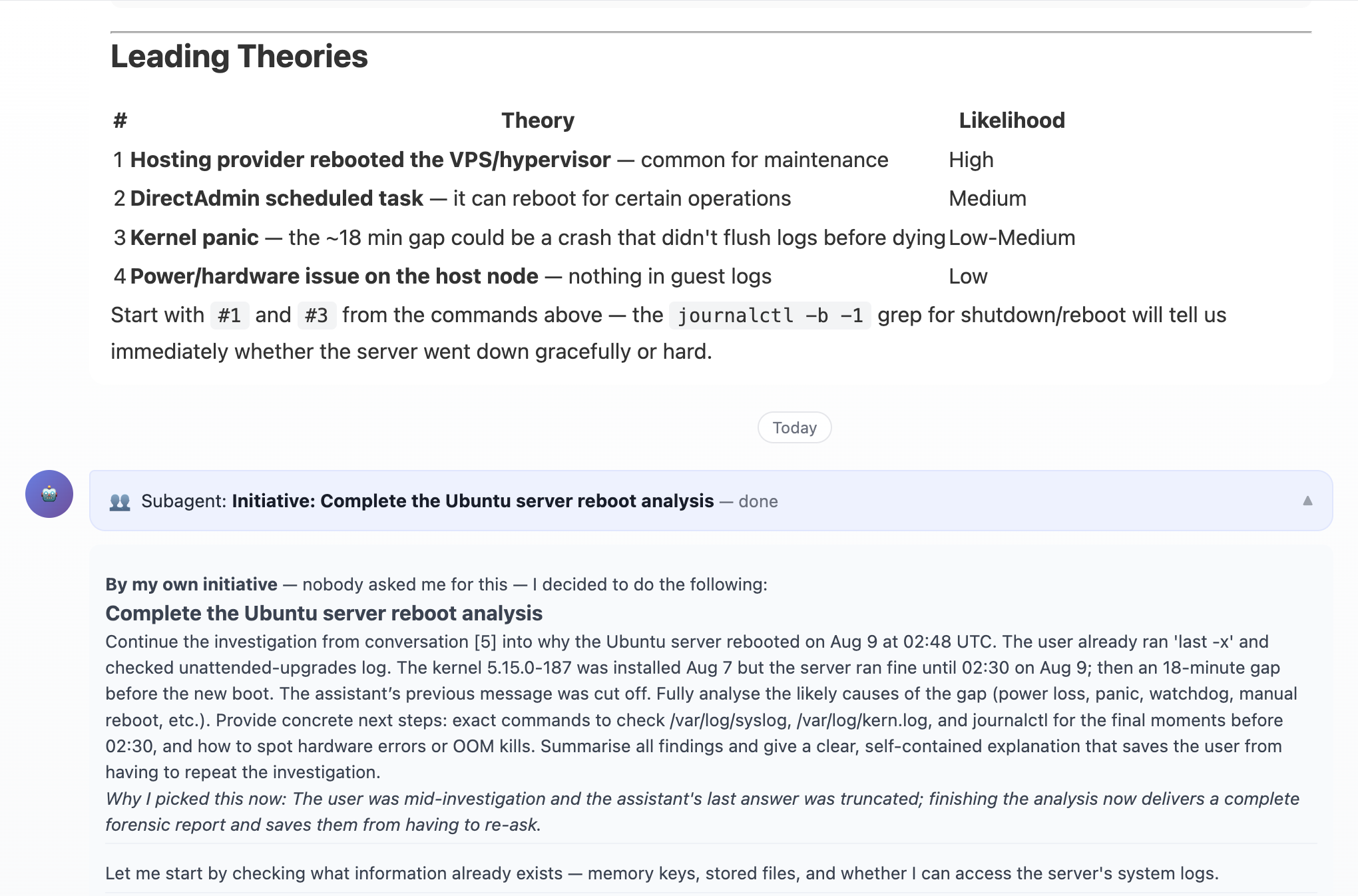
The engineer asked his DMJBot assistant to find the reason why one of virtual machines was rebooted recently. The assistant checked logs and suggested possible directions for the investigation. The engineer was busy with something else and didn't continue this chat. But after a couple of hours, the assistant, by its own initiative, checked the logs again, checked some other related logs, and prepared a summary of the findings. The final summary just arrived in the session and the engineer has got a notification about it.
Why this matters
Most AI assistants still behave like a chat box. They can help a lot, but only after you ask. That means you still carry the burden of remembering what to ask, when to ask, and what context matters.
Initiativity changes that relationship. Your assistant can quietly prepare useful updates, continue work from previous sessions, and surface things that deserve attention before you manually request them.
You still stay in control. You decide how active the assistant should be, what limits it must follow, and how much daily resource usage is acceptable.
For us, this is an important step toward the kind of AI assistant we actually want to use every day: not just a tool that answers questions, but an AI employee that can notice work, prepare work, and help move things forward.