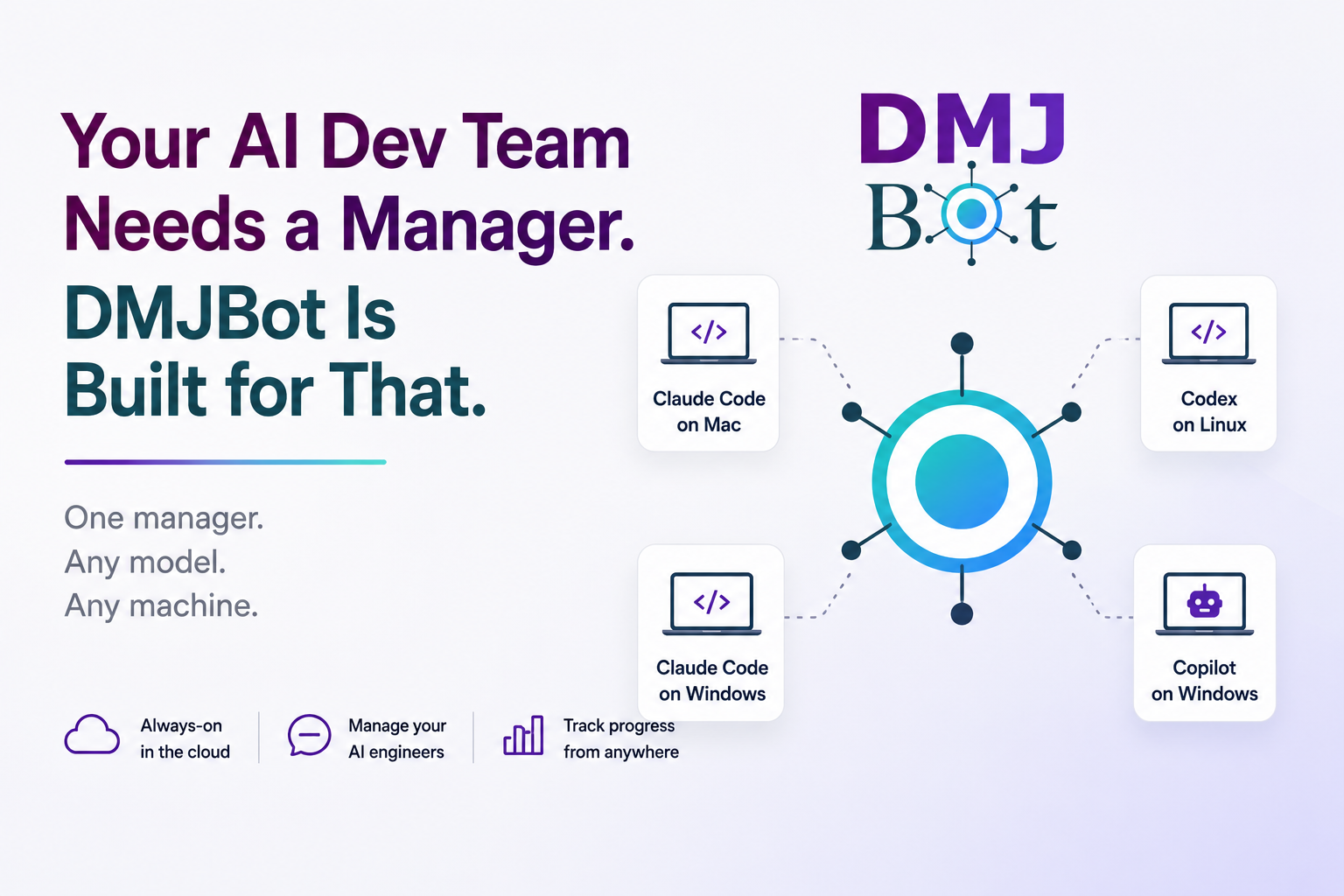
Many developers are already running multiple AI agents and assistants across multiple machines.
A common setup looks like this:
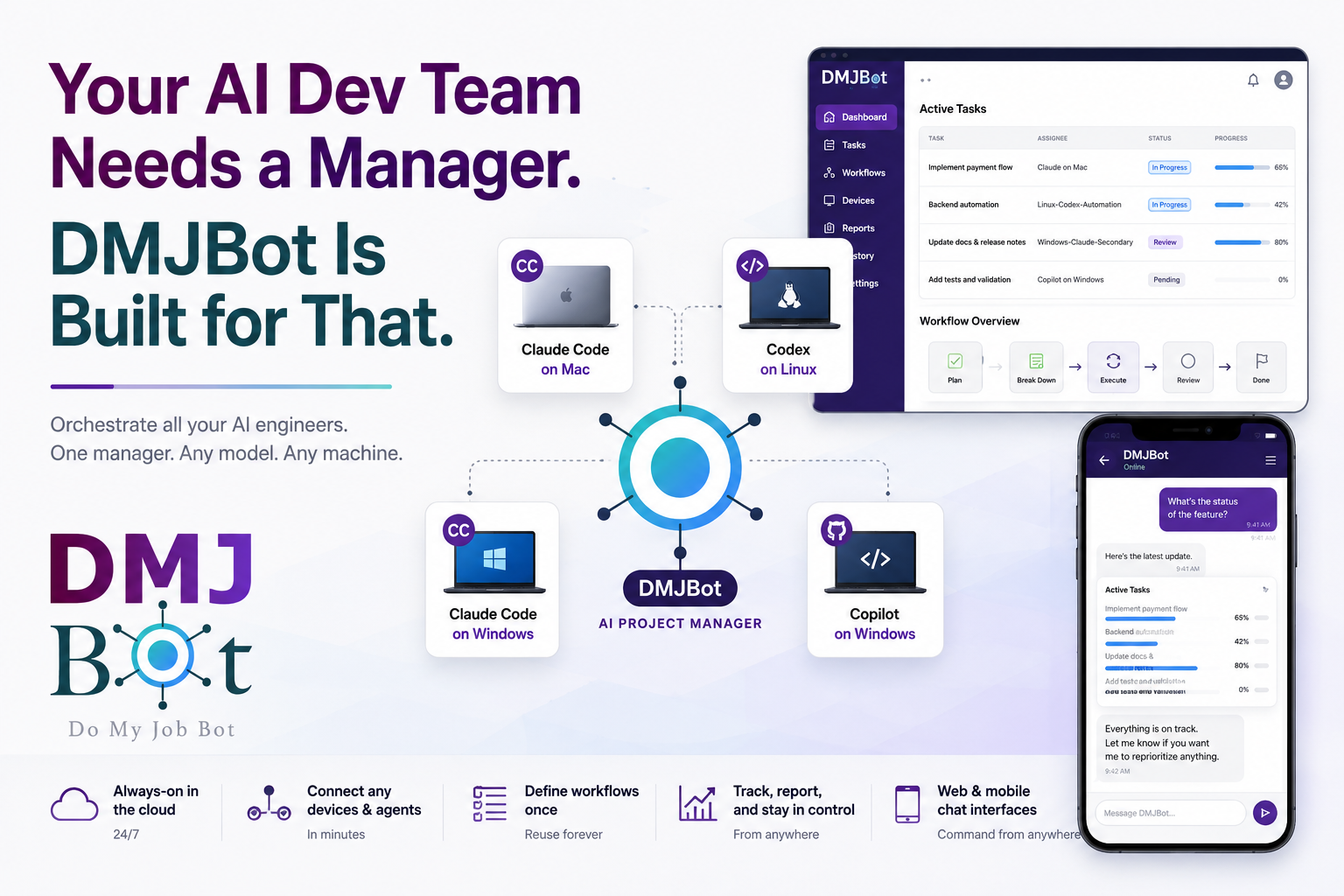
- Claude Code on a Mac for one repository
- Claude Code plus Copilot on another repository
- Codex on a Linux server for automation-heavy work
- Another Claude Code account and Codex instance on a Windows machine
You can absolutely make this work. But after a few days, the real bottleneck appears: management overhead.
You become the human message bus.
You switch between remote desktops, terminals, and chat windows. You repeat instructions. You manually track what was started, what is blocked, and what actually finished.
In other words, you built an AI engineering team, but you still do the project manager job by hand.
The missing role: AI project manager
This is where DMJBot fits.
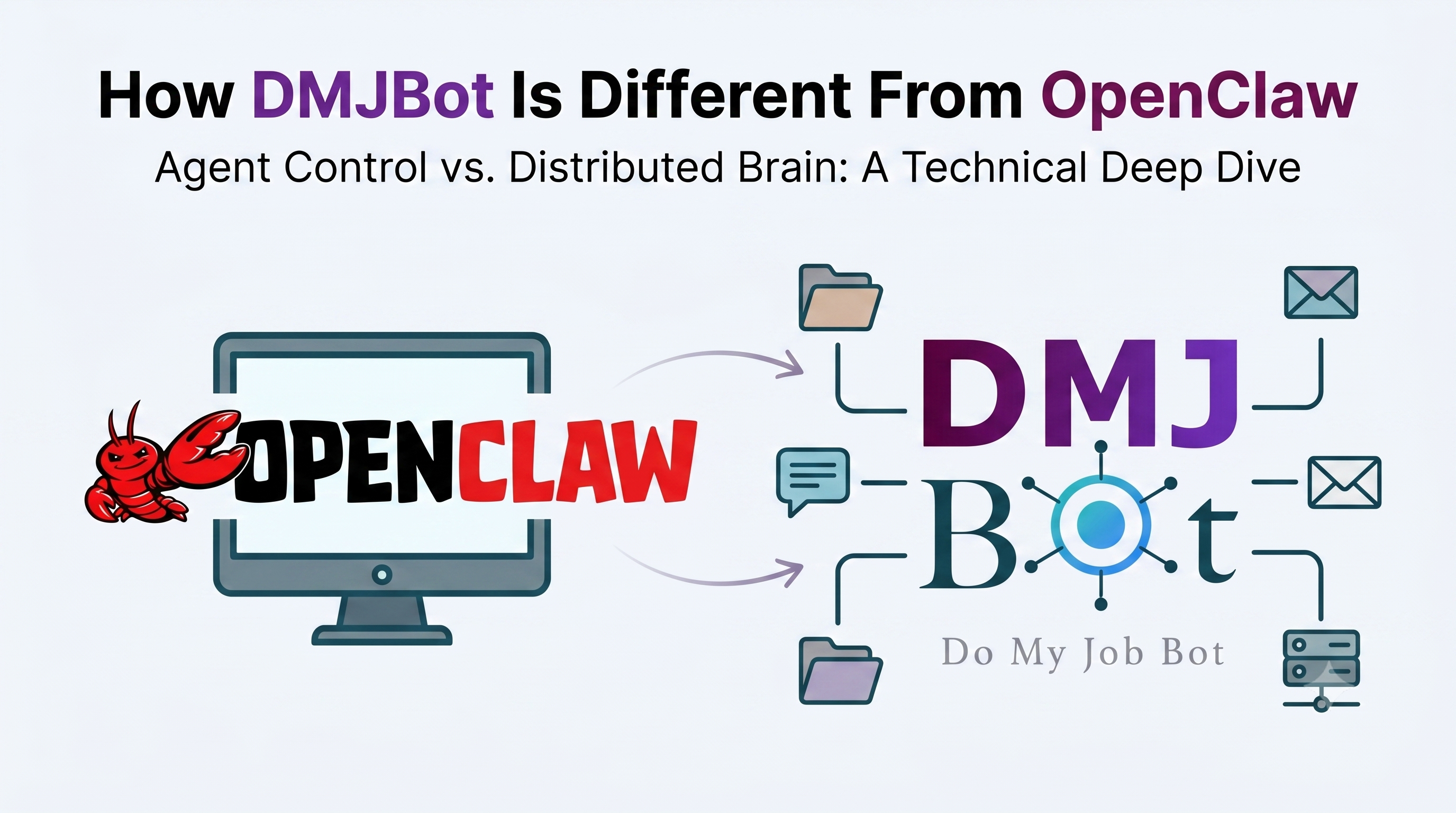
DMJBot is not another coding model trying to replace Claude Code, Codex, Copilot, or other assistants. It is the manager layer that coordinates them.
Think of it as your always-on project manager for AI developers.
- It runs in the cloud (or your own infrastructure) and stays available 24/7
- You connect your devices and install lightweight agent packages (setup guide: https://dmjbot.com/wiki/devices/)
- You name each worker node (for example: "Claude on Mac", "Linux-Codex-Automation", "Windows-Claude-Secondary")
- You define skills and workflows once
- You describe the outcome you want
- DMJBot creates tasks, assigns them to the right AI engineers, tracks execution, and reports status
- You communicate through web and mobile chat interfaces, and get live progress updates in the same place
Instead of driving each AI assistant directly, you communicate with one manager.
A practical example
Imagine you need to deliver a cross-repo feature with tests and deployment updates.
Without a manager:
- Open Mac session for Repo A, brief Claude Code
- Open Linux session, start Codex for backend automation tasks
- Open Windows session, run another coding agent for docs and release notes
- Return to each machine to collect progress and unblock dependencies
- Manually merge updates into one status view
With DMJBot:
- You define a workflow and constraints once
- DMJBot splits work into subtasks
- It delegates subtasks to your configured AI engineers
- It monitors each stream and handles follow-up steps
- You check progress in web or mobile app, chat with DMJBot in real time, and intervene only when needed
The key interface advantage is simple: once tasks are running on your connected machines, you do not need to keep switching back to those laptops or desktops. You can talk to DMJBot from your phone exactly like an AI chat, review updates, and steer execution from anywhere.
That is the difference between "using AI tools" and "running an AI team."
DMJBot is manager-first by design
DMJBot is designed to manage other AI agents and assistants, not compete with them.
That means:
- Better orchestration across many devices and accounts
- Persistent workflows that continue while you are away
- Centralized status, task history, and reporting
- Mobile and web chat interfaces for command and control from anywhere
- Less context switching and less manual coordination
If you can coordinate 3 agents, DMJBot can help you coordinate 20.
Why this matters now
AI agents and assistants keep getting stronger, but coordination is still mostly manual.
The next productivity jump is not one better model. It is better team operations for many models working together.
DMJBot is built for exactly that layer.
If you already have a distributed AI coding setup, try adding a manager on top.
You may discover that your real constraint was never code generation. It was orchestration.
Getting started
If you want to try this setup, start here:
- Getting started: https://dmjbot.com/wiki/getting-started/
- Connect and manage devices: https://dmjbot.com/wiki/devices/
- Configure tools and integrations: https://dmjbot.com/wiki/tools/
You can try DMJBot today.